
Roku
Streaming deviceWorks well
rokuairplayofficial-appstreaming-boxtelevisionwatching
Owncasts for Roku
RecommendedUse the official Owncasts app to browse the Owncast directory directly on your Roku.

- Browse the Owncast directory directly on your Roku.
- Official app built for the Roku platform.
- Simple interface designed for TV remotes.
Show step-by-step instructions
- Install the Owncasts for Roku from the Roku Channel Store.
- Launch the application.
- Browse for the stream you wish to watch.
- Select a stream to start watching.

AirPlay to Roku
Stream from your iPhone or Mac to your AirPlay-compatible Roku device.
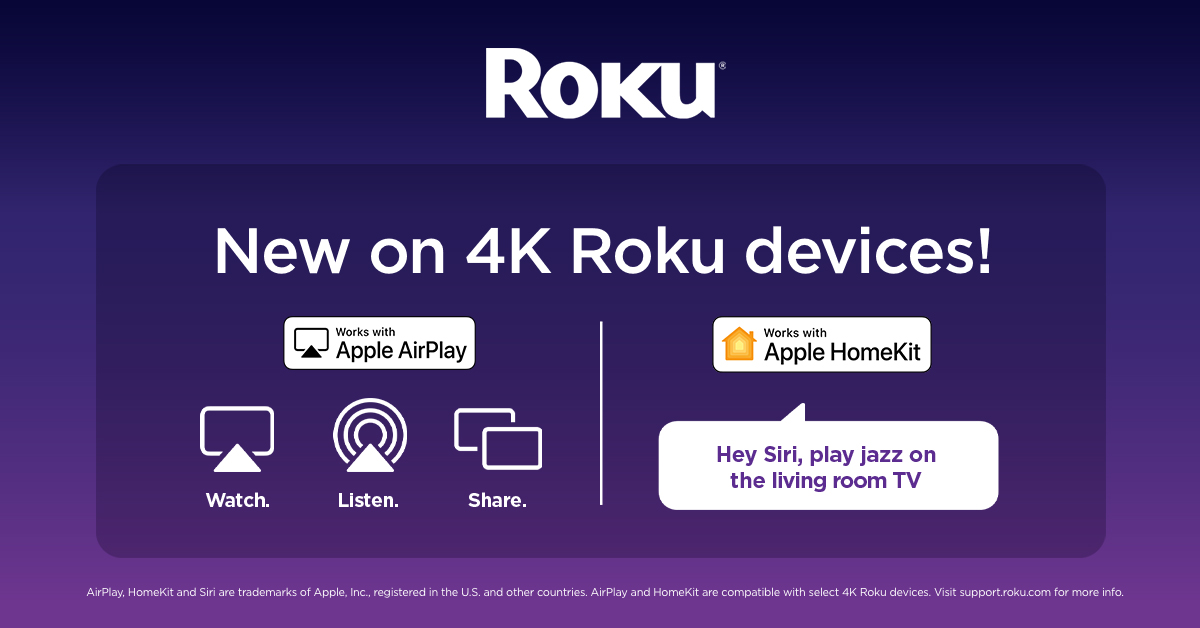
- Works with newer Roku devices that support AirPlay.
- Stream from iPhone, iPad, or Mac.
- No additional Roku apps required.
Show step-by-step instructions
- Open the Owncast stream you want to watch on your iPhone or Mac computer.
- Play the Owncast stream.
- Press the AirPlay button.
- Select your Roku device.
For more details, visit Apple's AirPlay documentation.
Contributors to this page
